
Pour
Pour it wider.
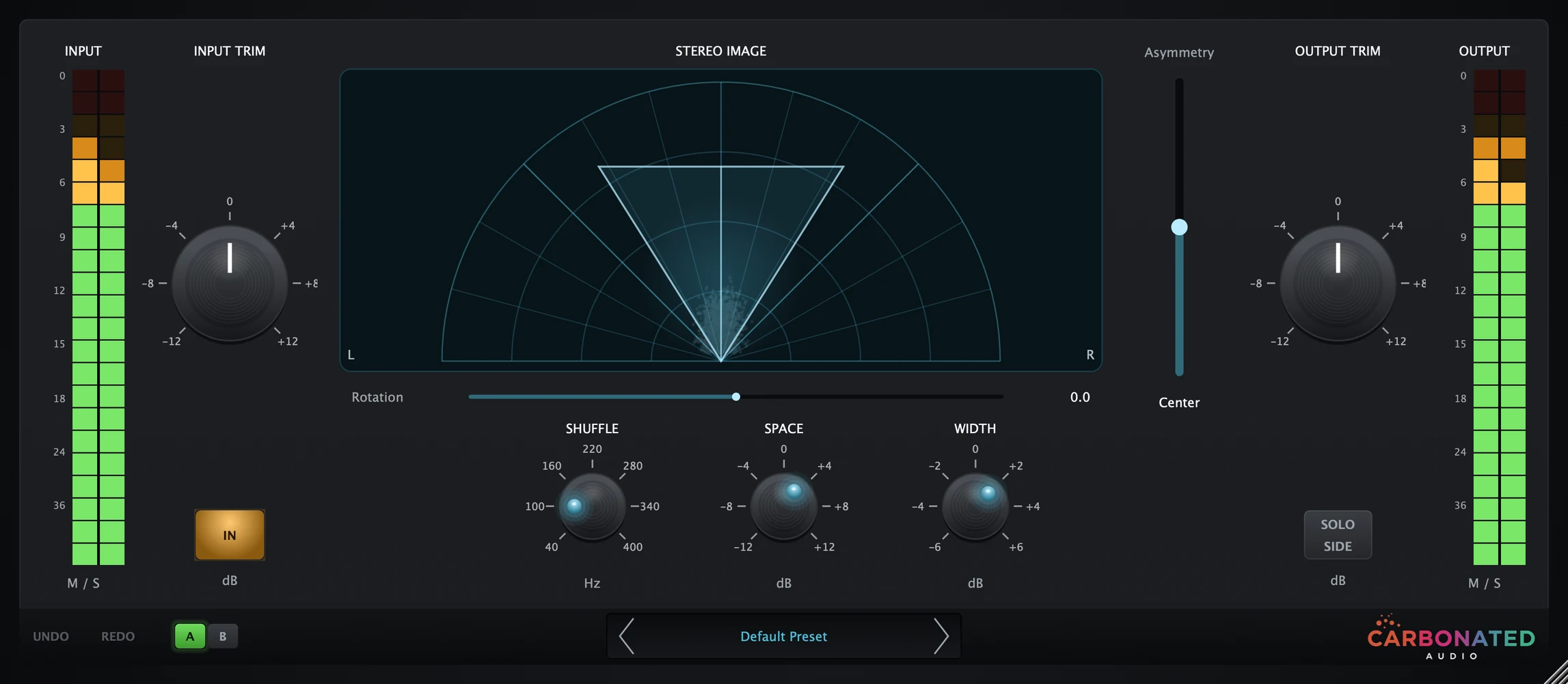
Classic M/S stereo imaging with a live vectorscope. Drop it on any stereo track and hear your mix open up.
Pour splits your mix into mid and side, so you shape the stereo without touching the center.
Every stereo tool, one screen.
The vectorscope reads real audio from the engine, so you see your stereo image as you shape it.
Live M/S vectorscope
A polar sample-plot reads real audio from the engine. Samples stream in with a persistence trail.
Shuffle + Space
Blumlein's 1931 Stereo Shuffling: a broad bass shelf on the side signal with a 40-400 Hz crossover.
Width control
+/-6 dB of gain on the side signal. The sweet spot is usually +2 to +4 dB: enough to open up a mix without wrecking mono compatibility.
Rotation + Asymmetry
Rotation tilts the M/S vector +/-45 degrees like rotating a mic pair. Asymmetry shifts the phantom center without touching width.
Solo Side
Audition only the stereo (L-R) content and catch phase problems before they ship.
Presets and A/B
Pop-up preset browser with Bass, Vocal, Drum, and Guitar categories. A/B compare, 64-step undo/redo.
Hit Solo Side and hear exactly what disappears when the mix collapses to mono. Catch phase problems before they ship.
How it works
Open it up in three moves.
Insert Pour
Drop it on any track: bass, pads, synths, vocals, master bus. VST3, AU, or AAX.
Pick a preset
Click the preset name for the pop-up browser. Start with a Bass, Vocal, Drum, or Guitar preset and tweak from there.
Adjust the mix
Watch the scope. Push Width until it opens up, then hit Solo Side and check what you lose in mono.

Built on Blumlein
Pour's Shuffle + Space are direct descendants of Alan Blumlein's 1931 Stereo Shuffling. Wider low end that still folds to mono cleanly.
$20
One-time purchase
Pay once. No subscriptions, no iLok, no recurring fees. Free updates forever.
From the makers of Carbonator
Carbonated Audio has been featured on:
- Audio Plugin Guy
- Rekkerd.org
- KVR Audio
- AudioNewsRoom
Runs where you work.
Formats
- VST3
- AU
- AAX
macOS
10.13+ (High Sierra and later)Intel + Apple Silicon native
Windows
Windows 10+ (64-bit)VST3, with installer
DAWs
Pro Tools, Logic Pro, Ableton Live, FL Studio, Studio One, Cubase, Reaper, and more
Pay once. Keep it forever.
$20
One-time purchase
- Mid/Side encode + decode
- Live polar vectorscope
- Shuffle, Space, Width, Rotation, Asymmetry, Solo Side
- All plugin formats
- 3 machine activations
- Free updates
- Email support
Or 4 interest-free payments of $5 with Klarna or Afterpay at checkout.

Hear it on your own mix first.
All sales are final, so try the free Pour demo in your DAW before you buy. It plays 60 seconds, mutes 10, and repeats.
Get the free demoQuestions, answered.
What is a stereo imager?
A stereo imager shapes the width and placement of your stereo field. It separates the middle (mono) content from the side (stereo) content so you can widen, narrow, tilt, or rebalance without re-recording. Pour gives you all the classic M/S controls plus a live polar vectorscope.
What is Mid/Side processing?
Mid/Side encodes L and R into Middle (L+R, the mono part) and Side (L-R, the stereo-only part). Most of Pour's controls operate in this domain so you can affect only the stereo content without touching the mono center. The plugin decodes back to L/R on output.
What do Shuffle and Space do?
Space applies a broad bass-frequency boost or cut to the side signal. Shuffle sets the crossover point for that shaping (40 Hz to 400 Hz). Together they implement Alan Blumlein's 1931 "Stereo Shuffling".
What's the difference between Width, Rotation, and Asymmetry?
Width scales the side signal (+/-6 dB) to widen or narrow the image. Rotation tilts the entire stereo field left or right by rotating the M/S vector. Asymmetry shifts the phantom center to one side without affecting width. The live vectorscope overlay shows all three at once.
Will Pour make my mix mono-incompatible?
Default settings are unity. Moderate Blumlein Stereo Shuffling is safe for mono summation. Push Width, Space, and Rotation hard and you can cause phase cancellation on fold-down. Hit the Solo Side button to preview exactly what drops out when the signal collapses to mono.
What formats are supported?
VST3, AU and AAX on macOS (Intel and Apple Silicon, universal), and VST3 on Windows (64-bit) with an installer.
How many computers can I use it on?
Up to 3 machines with one license. If you need to move an activation, email us and we'll reset it.
Is there a free trial?
Yes. A free Pour demo for macOS and Windows is available: download it here. Try it in your DAW before you buy, since all sales are final.
Does it add latency?
No. Pour processes with zero latency. Safe for tracking, mixing, and live use.
What's the refund policy?
All sales are final, so try the free Pour demo in your DAW before you buy. If your order is broken, never arrived, or you were charged twice, email mixedbysoda@gmail.com within 14 days and we'll make it right.
How Pour stacks up.

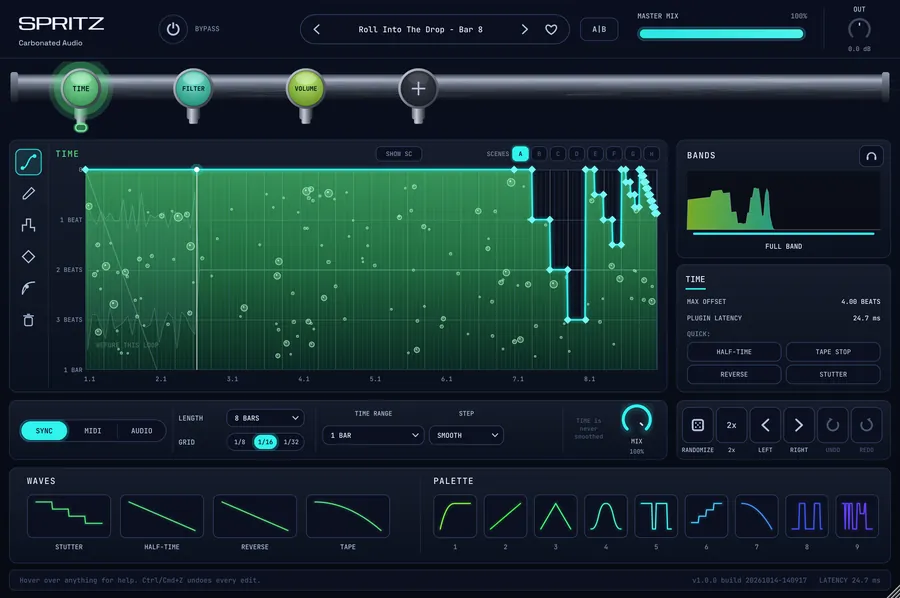 SPRITZDraw the curve. Flip the beat.$49 one-time

 FOAMThe reverb that makes room.$49 one-time

 CarbonatorAnalog saturation with five flavors.$20 one-time

 De-SipperTransparent de-essing. No artifacts.$20 one-time

 On TapInstant sidechain ducking. No routing needed.$20 one-time

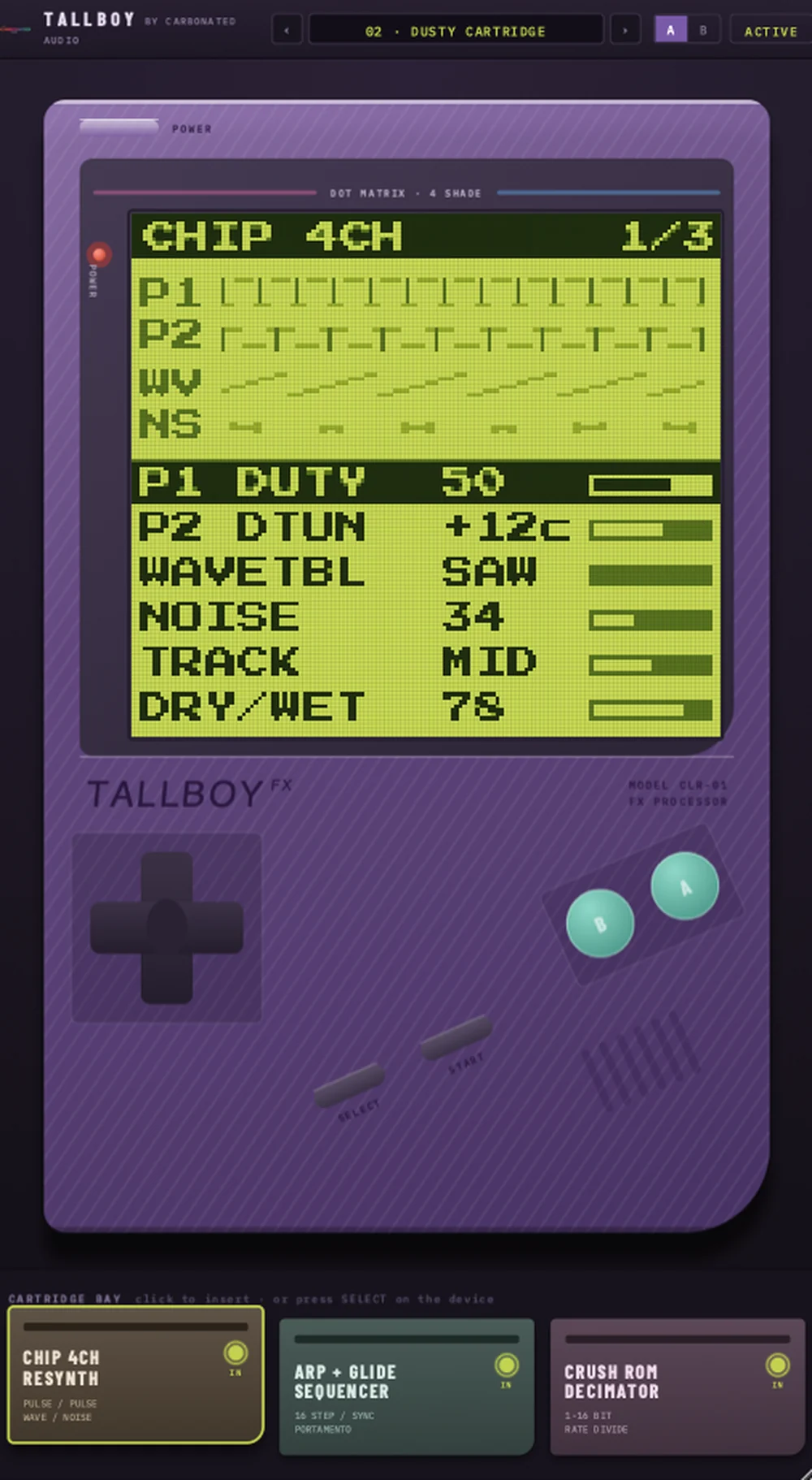 TALLBOYYour track, played back on a handheld.$20 one-time

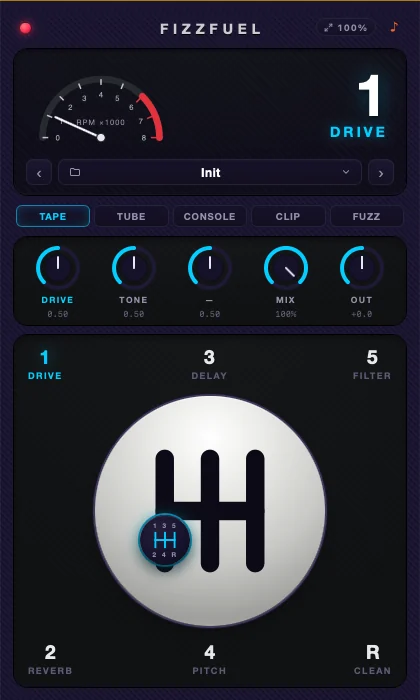 FIZZFUELFive effects. One manual gearbox.$29 one-time

 StillFREEOne-dial noise suppressor. Free forever.Free on macOS