

De-Sipper
Stop fighting your sibilance.
Transparent de-essing that tames harsh S sounds without dulling your vocal's natural brightness.
Split-band detection catches the S. Everything else passes through untouched.
De-Sipper is a de-esser plugin for vocals. It is a filtered-detection, hard-knee design that runs in wideband or split mode, so harsh S sounds are reduced with zero latency. $20 one-time. VST3, AU and AAX on macOS; VST3 on Windows. Free demo available.
Last updated: October 2026
Precision de-essing, nothing else.
Only the sibilant range gets touched. Solo what it removes, watch the gain reduction, and keep every bit of air.
Intelligent detection
Locks onto harsh frequencies without touching the rest of your vocal.
Adjustable threshold
Dial in exactly how much de-essing you need, from subtle smoothing to aggressive taming.
Listen mode
Solo the sibilance being removed so you hear exactly what De-Sipper is catching.
Split-band processing
Only the sibilant frequency range is affected. Everything else passes through untouched.
Visual feedback
Real-time metering shows how much gain reduction is happening and where.
Zero latency
No lookahead delay, so it works for tracking and mixing alike.
Heavy-handed de-essers fix the S and take the shine with it. De-Sipper keeps the brightness and character your vocal already has.
Three moves and you are done.
Insert on vocal
Drop De-Sipper on any vocal track as a VST3, AU, or AAX plugin.
Set your threshold
Adjust until the sibilance is tamed but the vocal still sounds natural.
Print it
Clean, de-essed vocals without artifacts or dullness.

Transparent processing
Unlike heavy-handed de-essers, De-Sipper preserves your vocal's natural brightness and character.
$20
One-time purchase
Pay once. No subscriptions, no iLok, no recurring fees. Free updates.
From the makers of Carbonator
Carbonated Audio has been featured on:
- Audio Plugin Guy
- Rekkerd.org
- KVR Audio
- AudioNewsRoom
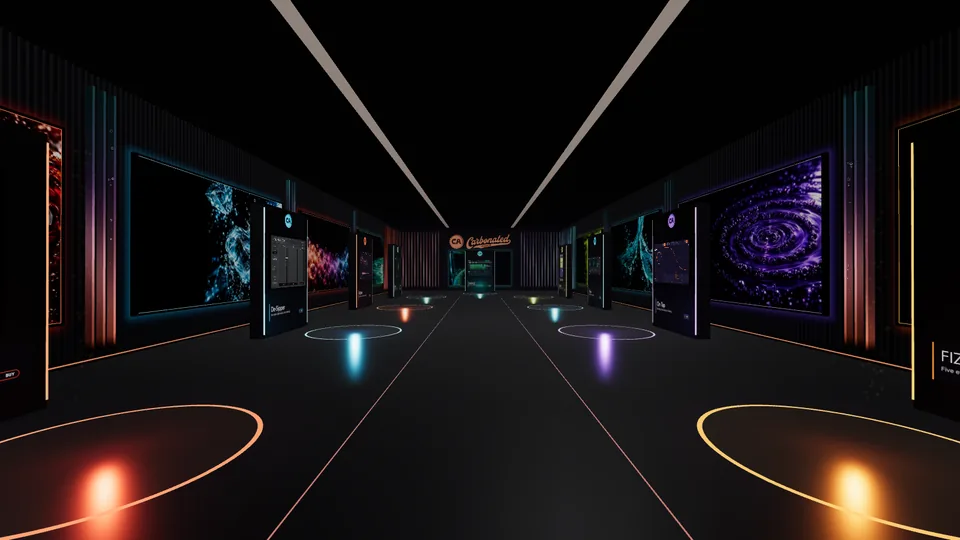 The showroom
Try De-Sipper in the 3D showroom
Walk up to De-Sipper, hear it on real audio, flip A/B and use its interface right in your browser. Best on a computer with headphones.
Enter the showroom
Runs where you work.
Formats
- VST3
- AU
- AAX
- Standalone
macOS
10.13+ (High Sierra and later)Intel + Apple Silicon native
Windows
Windows 10+ (64-bit)VST3 and Standalone
DAWs
Pro Tools, Logic Pro, Ableton Live, FL Studio, Studio One, Cubase, Reaper, and more
Pay once. Keep it forever.
$20
One-time purchase
- Unlimited use
- All plugin formats
- 3 machine activations
- Free updates
- Email support
- Free demo first
Or 4 interest-free payments of $5 with Klarna or Afterpay at checkout.

Or take all nine.
De-Sipper plus every other Carbonated Audio plugin, SPRITZ included, for $99.
See the bundlesQuestions, answered.
What is de-essing?
De-essing is the process of taming harsh sibilant sounds ("s", "sh", "t", and "f") in a vocal recording so they do not pierce through the mix. New to the concept? MusiCircuit's guide What is a De-Esser? How to Use One in 5 Simple Steps is a great walkthrough of the basics.
What is De-Sipper?
A transparent de-esser plugin that removes harsh sibilance from vocals. It uses split-band processing to target only the sibilant frequencies, leaving the rest of your vocal completely untouched.
What formats are supported?
De-Sipper is available as VST3, AU, AAX, and Standalone on macOS. On Windows, it ships as VST3 and Standalone.
How many computers can I use it on?
Up to 3 machines with one license. If you need to move an activation, just deactivate on the old machine and activate on the new one.
Is there a free trial?
Yes. Download the free demo here. It includes all DSP features with a periodic silence cycle (60 seconds on, 10 seconds muted) so you can fully evaluate De-Sipper before purchasing.
Does it work with Pro Tools?
Yes, De-Sipper is available as an AAX plugin on macOS, fully compatible with Pro Tools.
Does it add latency?
No. De-Sipper processes with zero latency, with no lookahead buffer required. It works for both tracking and mixing.
What's the refund policy?
All sales are final, so try the free De-Sipper demo in your DAW before you buy. If your order is broken, never arrived, or you were charged twice, email mixedbysoda@gmail.com within 14 days and we'll make it right.
How do I install it?
Download the installer, run it, and select which formats you want (VST3, AU, AAX, Standalone). Then rescan plugins in your DAW and De-Sipper will appear in your plugin list.
How De-Sipper stacks up.

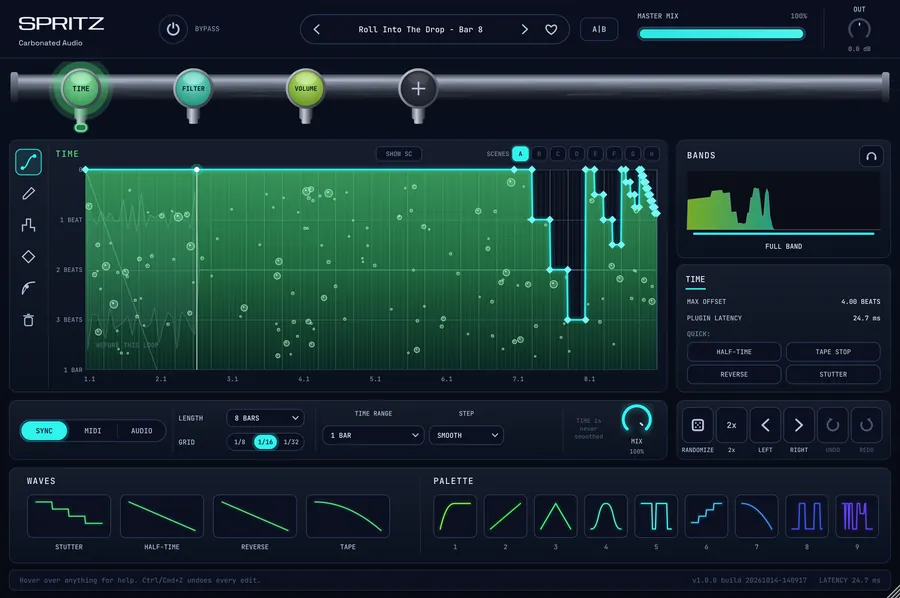 SPRITZDraw the curve. Flip the beat.$49 one-time

 FOAMThe reverb that makes room.$49 one-time

 CarbonatorAnalog saturation with five flavors.$20 one-time

 On TapInstant sidechain ducking. No routing needed.$20 one-time

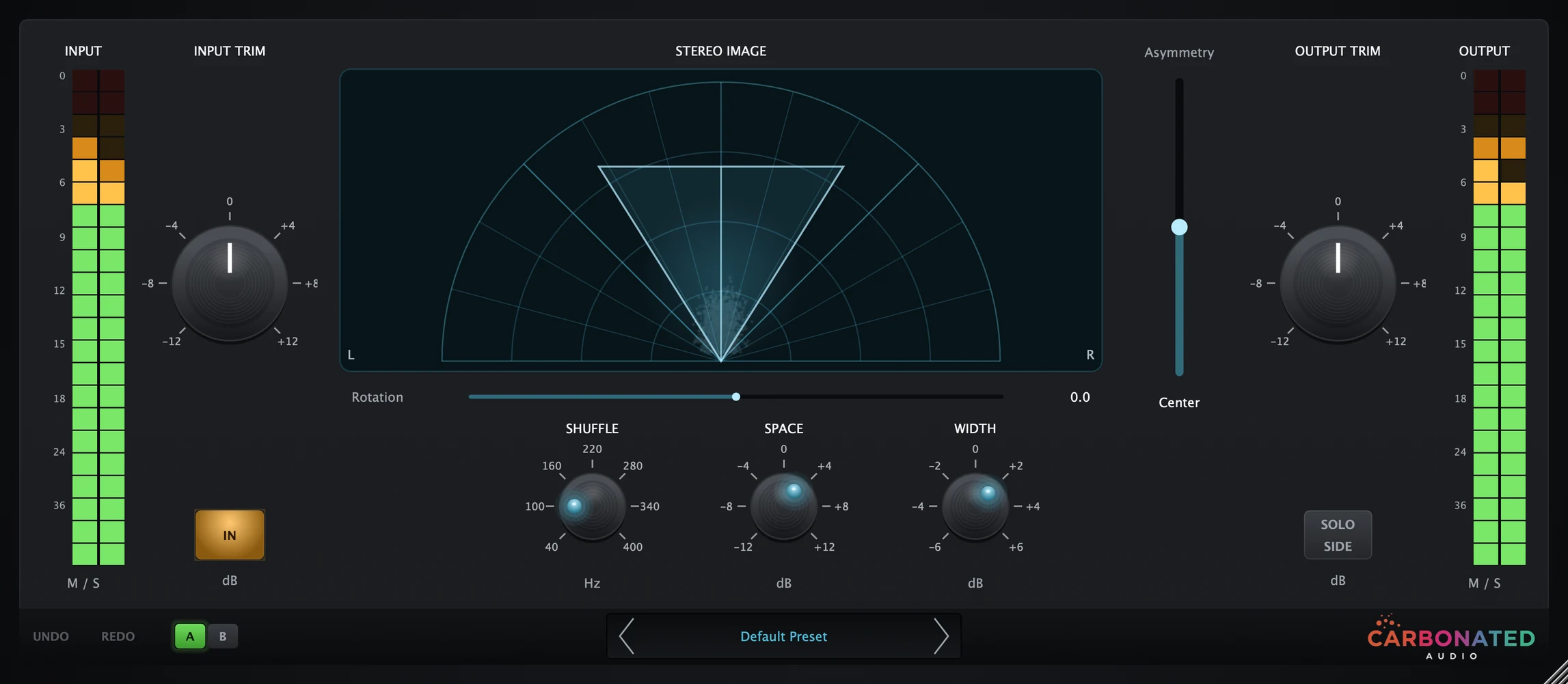 PourMid/side width and movement.$20 one-time

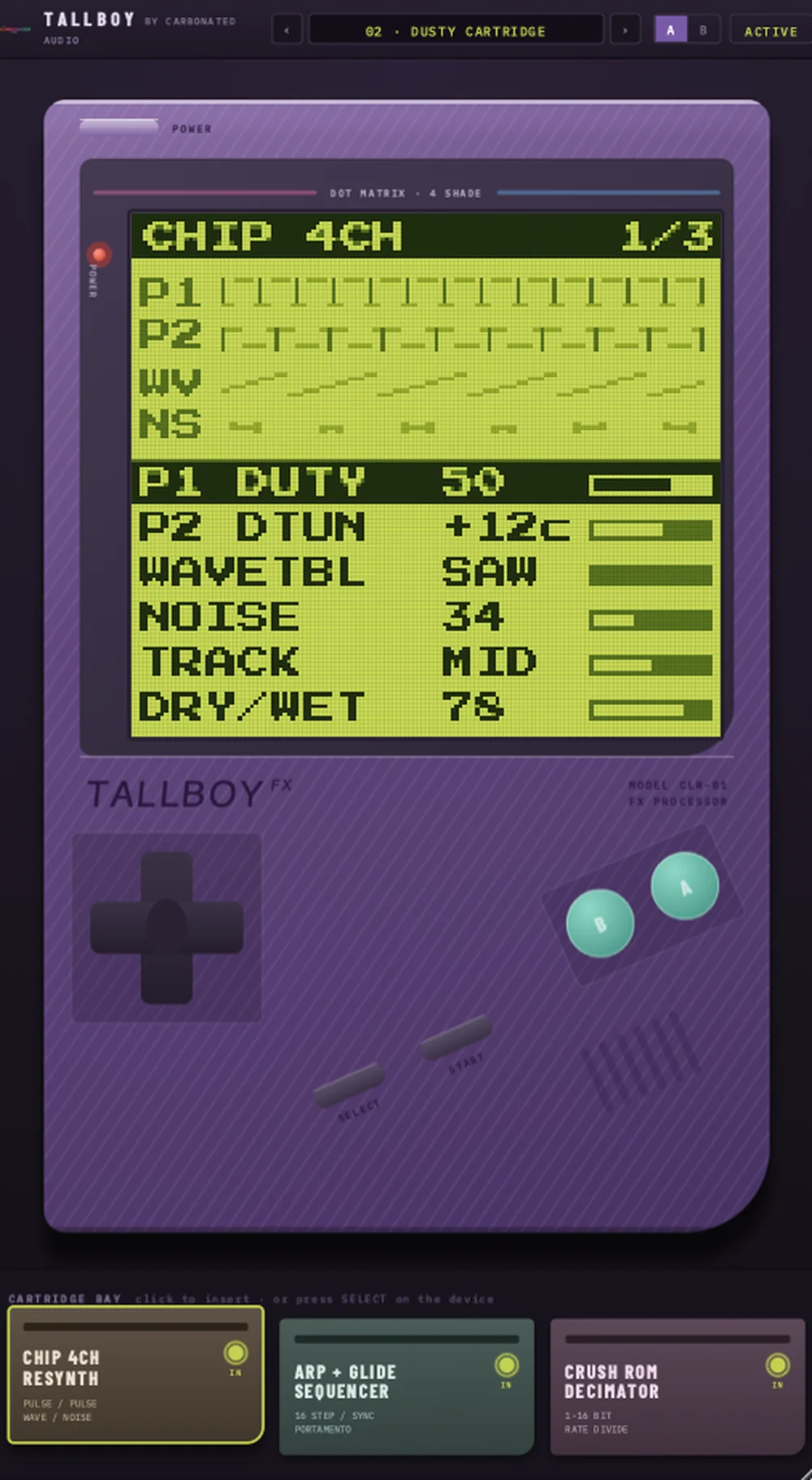 TALLBOYYour track, played back on a handheld.$20 one-time

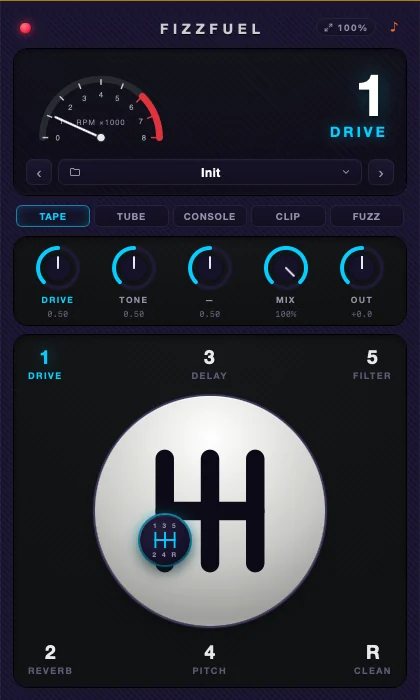 FIZZFUELFive effects. One manual gearbox.$29 one-time

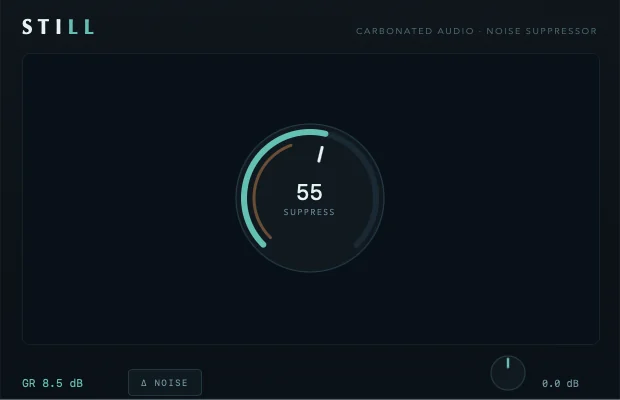 StillFREEOne-dial noise suppressor. Free forever.Free on macOS