SPRITZ
Draw the curve. Flip the beat.
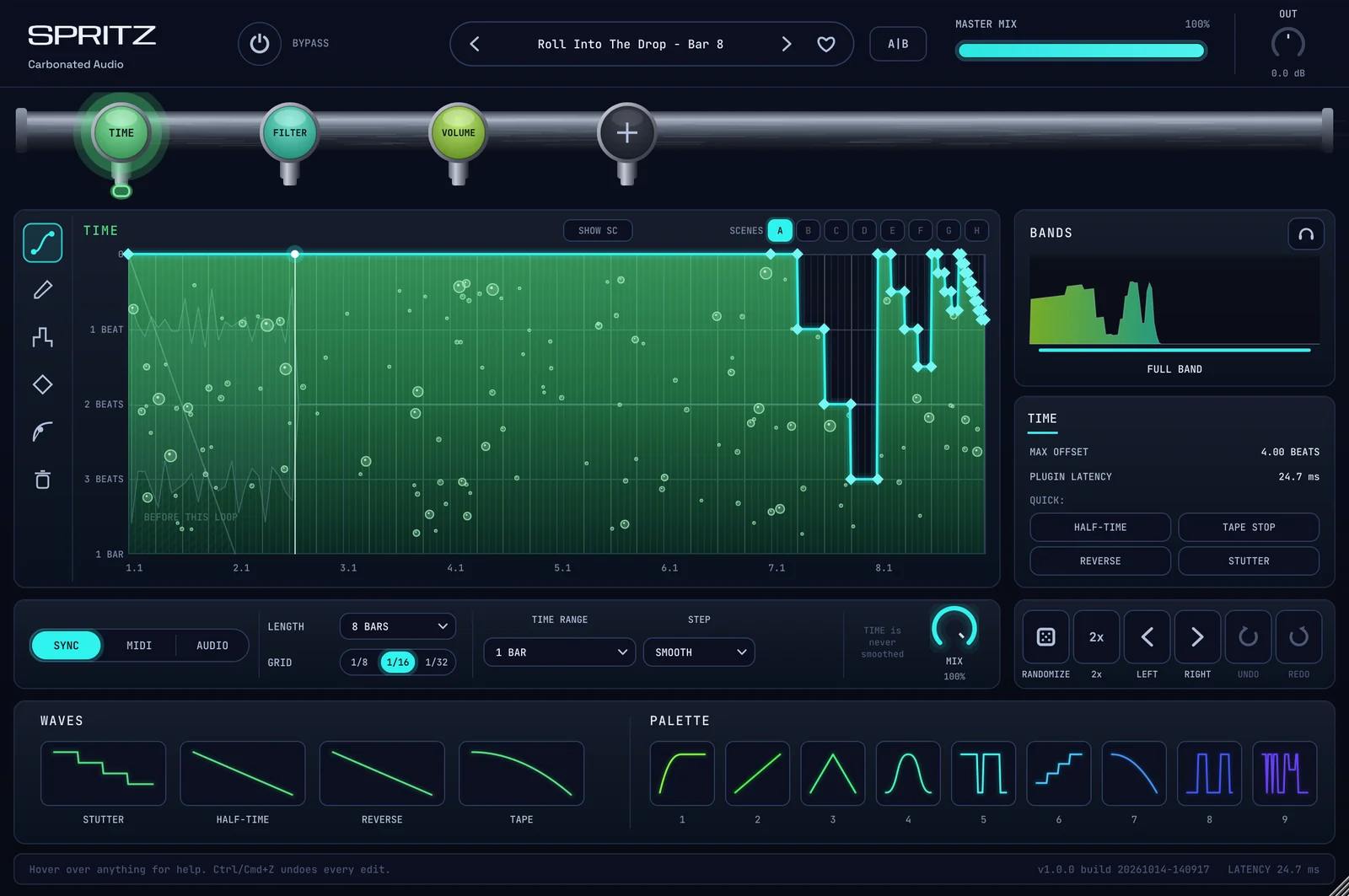
SPRITZ is an effects rack where every module follows a curve you draw over the loop. Time, pitch, volume, filter, drive and six more, chained and redrawn per bar.
Throw it on a loop. It comes back as a new pattern, in time, every bar.
Same loop. Five different flips.
One 140 BPM drum loop, rendered through SPRITZ with one shipping preset each time. Nothing else is on the chain. Pick a preset and compare.
Before
Dry loop
HALF-TIME & SPEED / PITCH-SAFE HALF FEEL
Through SPRITZ
One TIME module. The curve remaps each bar so the groove lands at half speed while the pitch stays where it was.
A stutter plugin gives you a button. SPRITZ gives you the curve, and eleven things to run it through.
The modules
Eleven taps. Chain up to eight.
Every module is a tap on the rail. Click one to edit its curve, drag to reorder, double-click to switch it off. Duplicates are allowed, so two TIME stages or two FILTER stages in one chain is fine. Each module gets its own envelope follower, its own trigger, and up to four crossover bands with a curve per band.
Time
Scrubs a tape of the loop. Ramps are tape stops, steps are stutters, slopes past the reference line play backwards. Beat, bar or fine ranges.
Volume
Gain in dB with sample-accurate edges. Sidechain pumps, gates, trance chops, trims. Overlay the sidechain waveform to line the dip up with the kick.
Filter
Cutoff and resonance on two curves. Low, high, band, notch and peak, clean or warm, 6 to 24 dB, with a self-oscillation zone you can see.
Drive
Twelve shapes from soft clip to fold, oversampled, with a live transfer curve. Draw the drive so it bites only where you want it.
Pitch
Plus or minus two octaves, tempo unchanged. Every transient restarts on its step, so drums stay tight through a pitch dive.
Reverb
Send and dry on two curves. Throws, washes and gated tails that ring over the next downbeat, with predelay, size, damping and gate.
Pan
Five pan laws plus Haas panning on a glide. Stereo mode moves the whole image so nothing in the mix goes missing.
Width
Mid/side from mono to 200%, loudness compensated. Mono content passes straight through.
Crush
Bits and sample rate on two curves, with anti-alias pre-filter, jitter and dither. Top of the curve is untouched audio.
Liquid
Flanger or phaser, 2 to 16 stages, signed feedback and stereo spread. Centre and feedback on two curves.
Noise
White, pink, brown, vinyl, tape, fizz, digital and rain, with tone tilt. The envelope makes it follow the music or duck under it.
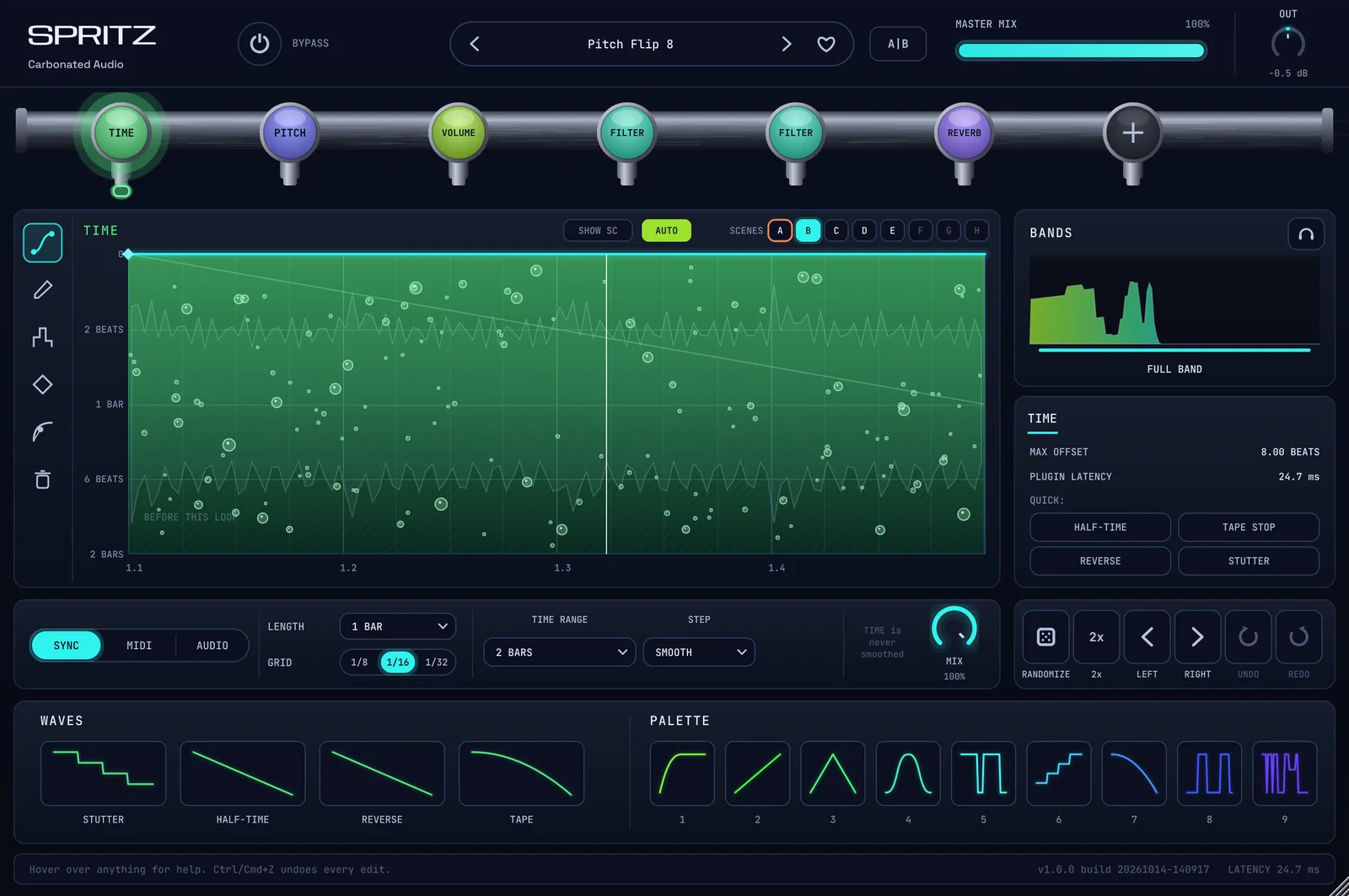
The curve is the instrument.
Draw it, step it, bend it, randomize it. The scope sits behind the curve, locked to the loop, so you see exactly what each point does to the audio.
- CURVEPoints with weight and shape
Hard, medium or soft points. Curve, S-curve, hold or quad segments. Double-click to add or delete, marquee to select, Shift for free placement. Smooth softens the lot.
- SCENESUp to eight versions of every preset
Pads A to H each hold their own curves and settings. Switch by hand, from MIDI notes, or let AUTO step a sequence every bar. Switches land on the next beat or bar.
- TRIGGERSync, MIDI or Audio
Run against host tempo with swing and phase, restart from a note, or restart on every transient with a sidechain input. The envelope follower adds to or multiplies the curve.
- BANDSSplit any module up to four ways
Draggable crossovers on a live spectrum, a curve per band, solo per band. Tape-stop the lows and roll the hats in the same module.
- WAVES143 shapes and a 9-slot palette
Stamp a stutter, a half-time, a reverse or a tape ramp in one click. The palette follows you across every instance.
912 presets. Start Here is 29 of them.
Every preset is built on the engine, not sampled. Load one, hit play, and the loop flips. The bank leans hard into beat flips, live flips, half-time, stutters, tape stops and builds, with sidechain, filter motion and mixing tools alongside.
- 912Factory presets
- 18Categories
- 8Scenes per preset
- 143Wave shapes
- 200Undo steps
- Live Flip
- Beat Flip
- Half-Time & Speed
- Stutter & Repeat
- Builds & Transitions
- Reverse
- Tape & Vinyl
- Scratch
- Pitch
- Space & Throws
- Sidechain
- Gates & Trance
- Filter Motion
- Drive & Color
- Stereo & Movement
- Texture & Lo-Fi
- Mixing
- Sound Design
Where it earns its place.
SPRITZ wants a loop with a grid under it. Give it one and it will turn it over. Here's where it lands.
Best on
- Drum loops and the drum bus
- Full beats that need a switch-up
- Vocal chops, half feels and pitch flips
- Transitions, builds and drops
Also good for
- Sidechain pumping without routing
- Trance gates and rhythmic chops
- Filter sweeps that land on the bar
- Lo-fi, vinyl and tape texture
Everything syncs
Every curve runs against your project tempo, so a flip built at 140 still lands at 92. Scenes switch on the beat, and MIDI notes can play them like a keyboard.
- Bars and beats, polymetric
- Swing and phase
- Hz and pitch modes
- A/B compare
- Output trim
Runs where you work.
Formats
- VST3
- AU
- AAX
macOS
11+, VST3, AU and AAXUniversal for Apple Silicon and Intel, signed for Pro Tools
Windows
10 and 11, 64-bit VST3The installer puts it in the standard VST3 folder. No Windows AAX yet.
DAWs
Pro Tools, Logic, Ableton Live, FL Studio, Studio One, Cubase, Reaper and the rest
One price. Yours for good.
$49
One-time. No subscription, ever.
- VST3, AU and AAX on macOS - universal, Pro Tools-signed
- VST3 on Windows 10 and 11, 64-bit
- All eleven modules and all 912 presets included
- Three machines on one licence
- No iLok, no dongle, no account
- Works offline after one activation
- Lifetime updates
Secure checkout via Stripe. Your license key arrives by email within a minute.
Free demo for macOS and Windows.
Want the whole fridge? All 9 plugins, SPRITZ included, for $99.
Not sure yet? Flip your own beat first.
The free demo is the full plugin: every module, every preset. Audio plays for 60 seconds then mutes for 10, on a loop. macOS and Windows, no email required.
Download the demoThe things people ask.
What does SPRITZ actually do?
It's an effects rack where every module is driven by a curve you draw over the loop. Draw a ramp on TIME and you get a tape stop. Draw steps and you get stutters. Draw a dip on VOLUME on every kick and you get sidechain. Chain the modules, give each scene a different drawing, and a plain loop comes back as a new pattern, in time, every bar.
Is it tempo synced?
Yes. Every curve runs against host tempo in bars or beats, polymetric lengths included, with swing and phase. Curves can also run free in Hz, or follow a held MIDI note. Tempo changes are tracked inside the block, so ramps and automation don't throw it off.
How do I make it change up per bar?
Scenes. Each preset holds up to eight (A to H) with their own curves and settings. Switch them from the pads, from MIDI notes (C retriggers, C# to G# pick a scene), or turn on AUTO and it steps through a sequence every bar, two bars or four. Switches land on the next beat or bar so nothing jumps mid-hit.
Can it follow the music instead of the grid?
Yes. Each module can trigger from Sync, MIDI or Audio. Audio trigger restarts the curve on every detected transient, with an external sidechain input if you want it to listen to something else. On top of that, every module has an envelope follower that adds to or multiplies the curve, so a drawn filter sweep can also open with the hits.
Does it add latency?
A constant 22 ms plus 128 samples, reported to the host so your DAW lines everything up. An audio-triggered chain that also holds a PITCH module reports a little more. The readout is in the TIME panel.
Is there a manual?
Yes. The SPRITZ manual covers install, activation, the drawing tools, triggers, bands, scenes and every module, control by control. Inside the plugin, hover over anything and the help bar explains it.
Is SPRITZ in a bundle?
Yes. The All Plugins Bundle has all nine Carbonated Audio plugins, SPRITZ and FOAM included, for one price. Same licences, same three machines each.
How many computers can I use it on?
Up to 3 machines with one licence. No iLok, no dongle, no account. Activate once online and it works offline forever. If you need to move an activation, email mixedbysoda@gmail.com and we'll reset it.
What formats and systems?
VST3, AU and AAX on macOS 11 and later, universal for Apple Silicon and Intel, signed for Pro Tools. VST3 on Windows 10 and 11, 64-bit. Works in Pro Tools, Logic, Ableton Live, FL Studio, Studio One, Cubase, Reaper and the rest.
Is there a Windows version?
Yes. SPRITZ runs as a 64-bit VST3 on Windows 10 and 11. The installer puts it in C:\Program Files\Common Files\VST3, where every VST3 host looks. There is no AAX for Windows yet, so Pro Tools on Windows is not supported. If Windows SmartScreen warns about the installer, click More info, then Run anyway.
Is there a demo?
Yes. Free demos for macOS (VST3, AU and AAX) and Windows (VST3), no email required. It is identical to the paid version except audio plays for 60 seconds then mutes for 10, on a loop.
On macOS the AAX is in the demo too, so you can try it in Pro Tools. When you buy, install the full version from your receipt email over the top; your sessions carry over.
The rest of the fridge.

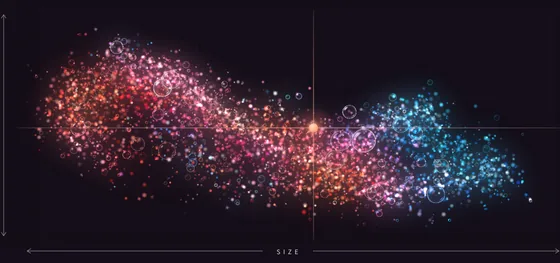 FOAMThe reverb that makes room.$49 one-time

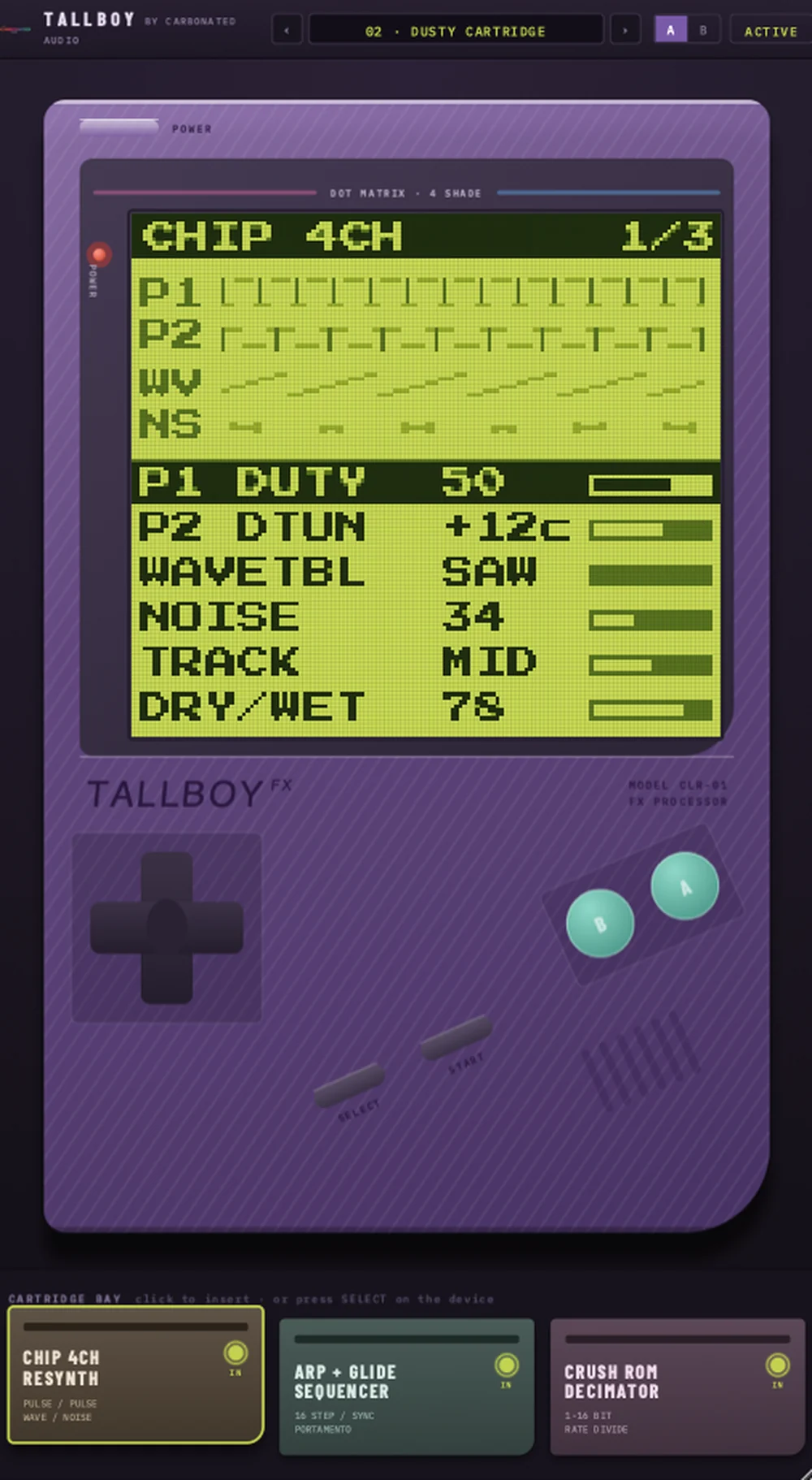 TALLBOYYour track, played back on a handheld.$20 one-time
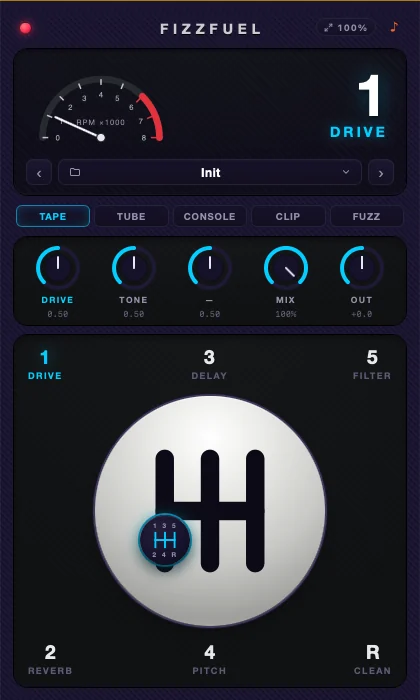 FIZZFUELFive effects. One manual gearbox.$29 one-time

 CarbonatorAnalog saturation with five flavors.$20 one-time

 On TapInstant sidechain ducking. No routing needed.$20 one-time

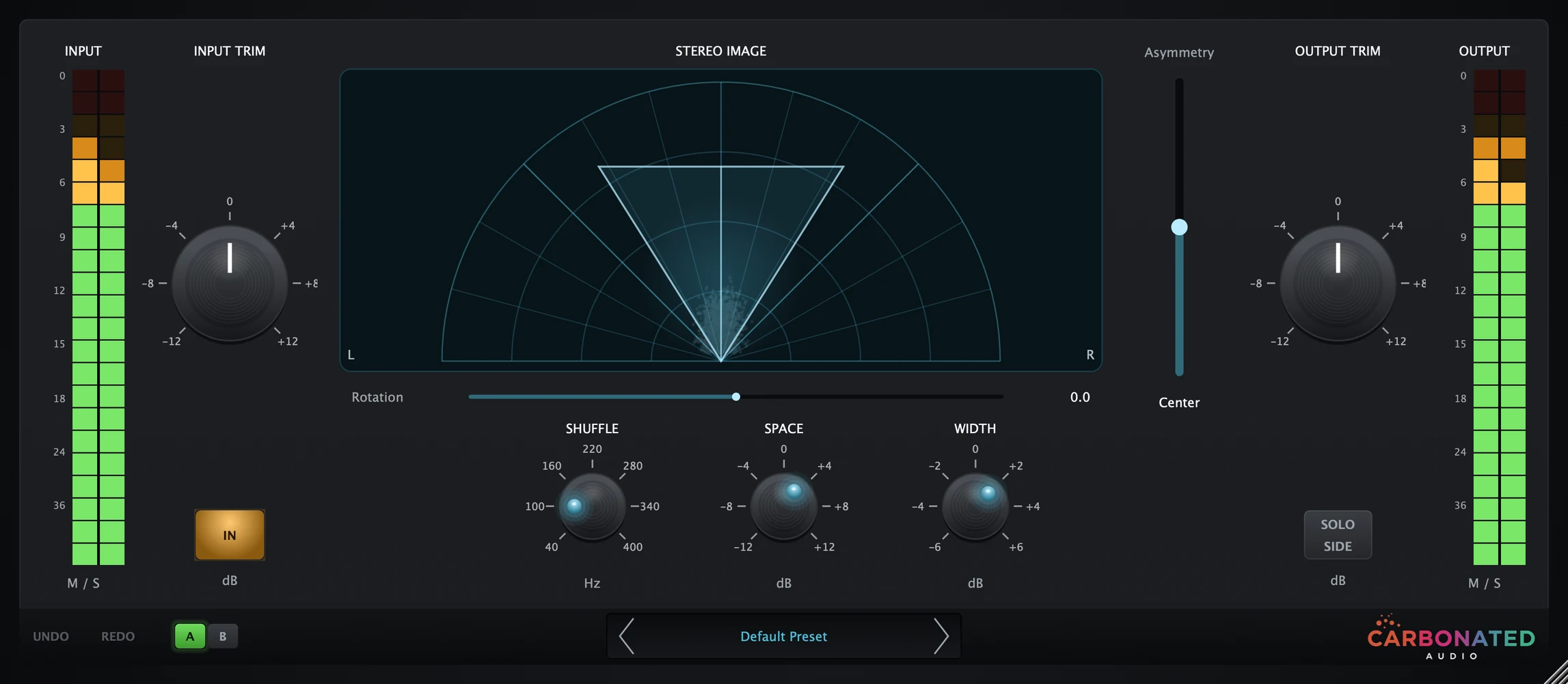 PourMid/side width and movement.$20 one-time

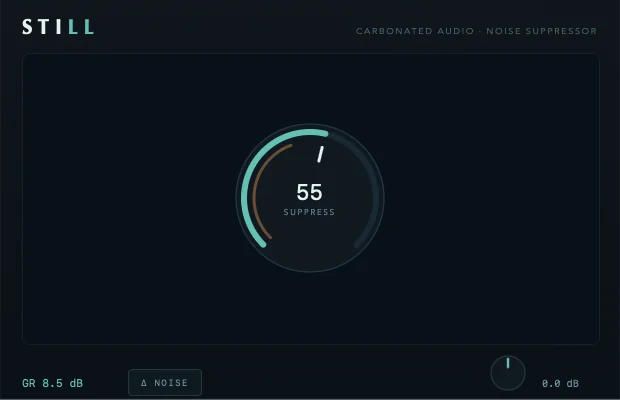 StillFREEOne-dial noise suppressor. Free forever.Free on macOS