
PALATE
Draw the curve. Catch the peak.
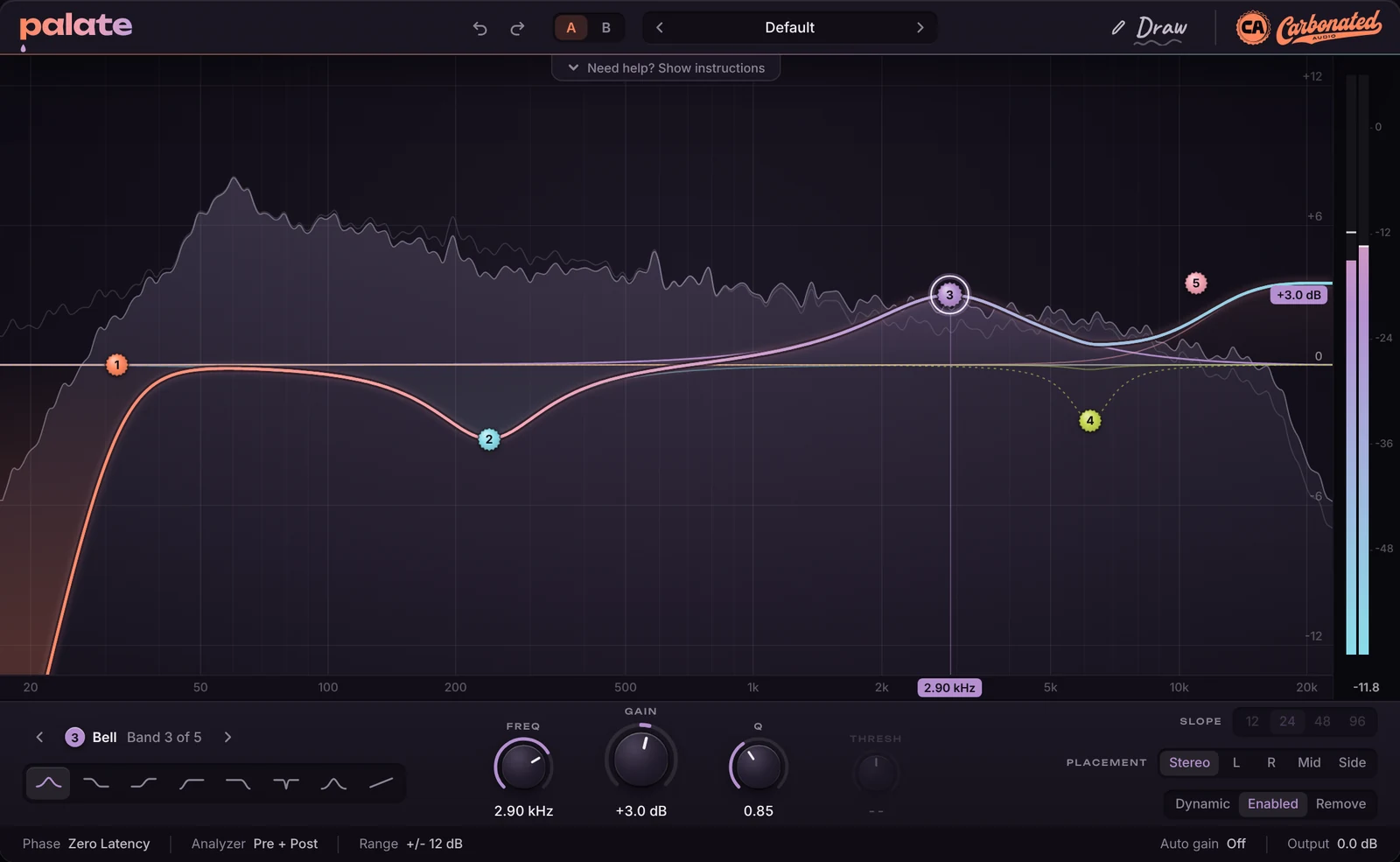
PALATE is a 24-band parametric EQ you shape on the spectrum. Add a band where you click, sketch a curve and it fits the bands, hold under a resonance and pull it down into a dynamic band that ducks only when that tone jumps out.
Zero latency when you track. Natural phase when you mix. Linear phase when you master. One EQ.
PALATE is a parametric and dynamic EQ plugin with up to 24 bands, eight band shapes, slopes to 96 dB per octave, per-band stereo, left, right, mid or side placement, and zero latency, natural phase or linear phase modes. $49 one-time. VST3, AU and AAX on macOS; VST3 on Windows. Free demo available.
Last updated: November 2026
A static EQ cuts the whole time. PALATE cuts when the tone shows up, and gets out of the way when it does not.
The spectrum is the control surface.
Everything happens on the display. Bands are caps you drop on the curve. The analyzer runs behind them, pre and post, so you see what each move does to the sound while you make it.
- ADDDouble-click where it goes
The shape follows the spot: cuts at the edges, shelves near them, bells in the middle. Drag for frequency and gain, scroll for Q, Shift for fine moves. Alt-click bypasses a band, double-click a cap removes it.
- DRAWSketch the curve, let go
Turn on Draw, trace the response you want across the display, release. PALATE fits bands to the line. Undo if you overshoot.
- CATCHHold for one second, pull the peak down
Press and hold under the spectrum for a full second and the resonant peaks light up. Slide to one and pull it down. That band is dynamic from the start: it ducks only when that tone jumps out.
- DYNAMICAny bell or shelf
Switch a bell or shelf to dynamic and it moves between flat and its full gain as the signal in that range crosses the threshold. Attack, release and range per band. The curve shows the band's live position.
- PLACEStereo, left, right, mid or side
Every band has its own placement. Air on the sides, a low cut on the sides, a bell on the mid only; each is one band.
- PHASEZero, natural or linear
Zero latency for tracking. Natural phase keeps bells honest up to Nyquist, still with no delay. Linear phase renders the static bands to a zero-phase FIR at three quality settings and reports the latency to the host.
The shapes
Eight shapes. Twenty-four bands.
Every band can be any shape, and the shape is one click away in the band strip. Cuts run from 6 to 96 dB per octave in eight steps. Gain runs plus or minus 30 dB. Q runs from 0.1 to 30.
Bell
The workhorse. Symmetric boost or cut with a Q you set by scrolling over the cap. Natural phase mode keeps the top of a high bell where you put it.
Low shelf
Lift or lower everything below the corner. Q sets how sharp the knee is.
High shelf
Air and sheen, or a gentle roll-off of the top. Put it on the sides for width without mud.
Low cut
Butterworth cascades from 6 to 96 dB per octave. A 96 dB cut at 30 Hz takes the sub out and leaves the kick alone.
High cut
Same slopes going the other way. Tame a bright source, or build a lo-fi band pass with a low cut beside it.
Notch
A deep, narrow cut for hum, a ringing room mode or a whistle. Q to 30 makes it a surgical tool.
Band pass
Only the band through. Telephone and radio effects, or isolating a range to hear what a dynamic band is listening to.
Tilt
One band that tips the whole spectrum around its centre. Brighter or darker in one move, the fastest mastering tone control there is.
Opens flat. Starts honest.
The default preset has no bands, so every move you hear is yours. Eighteen starting points cover vocals, drums, bass, guitar, bus and master duties when you want a head start.
- 24Bands
- 8Shapes
- 96dB/oct max slope
- 3Phase modes
- 0ms latency, zero and natural
- Vocal air
- Vocal clarity
- Sibilance tamer
- De-harsh
- De-mud
- Kick tight
- Sub control
- Bass focus
- Drum bus
- Hi-hat tame
- Guitar body
- Master tilt
- Mix bus polish
- Side air
- Room rumble cut
- Air lift
Where it earns its place.
PALATE is the EQ on every channel, and the one you reach for when a static cut is costing you the sound.
Best on
- Vocals: harsh notes, sibilance, mud, air
- Drum bus and kick, with cuts that stay tight
- Bass and sub, down to a 96 dB cut
- The mix bus and the master, in linear phase
Also good for
- Resonances that only ring on some notes
- Mid/side tone shaping
- Room modes and hum
- Telephone and radio band passes
Everything you expect, nothing to set up
Pre and post analyzer, output gain, auto gain that keeps the level steady while you shape, A/B compare, undo and redo, and a display range you can tighten to plus or minus 6 dB for mastering moves.
- Auto gain
- A/B compare
- Pre + post analyzer
- Undo and redo
- Range 6, 12 or 30 dB
 The showroom
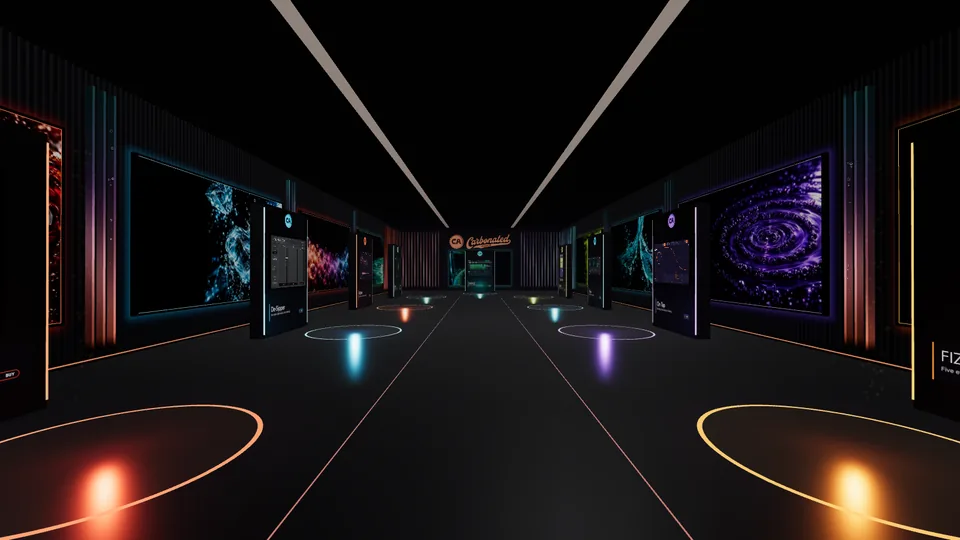
Try PALATE in the 3D showroom
Walk up to PALATE, hear it on a vocal and a drum bus, flip bypass and move the bands right in your browser. Best on a computer with headphones.
Enter the showroom
Runs where you work.
Formats
- VST3
- AU
- AAX
macOS
11+, VST3, AU and AAXUniversal for Apple Silicon and Intel, signed for Pro Tools
Windows
10 and 11, 64-bit VST3The installer puts it in the standard VST3 folder. No Windows AAX.
DAWs
Pro Tools, Logic, Ableton Live, FL Studio, Studio One, Cubase, Reaper and the rest
One price. Yours for good.
$49
One-time. No subscription, ever.
- VST3, AU and AAX on macOS - universal, Pro Tools-signed
- VST3 on Windows 10 and 11, 64-bit
- All 24 bands, all shapes, all three phase modes
- Three machines on one licence
- No iLok, no dongle, no account
- Works offline after one activation
- Lifetime updates
Secure checkout via Stripe. Your license key arrives by email within a minute.
Not sure yet? Catch a peak on your own mix first.
The free demo is the full plugin: every band, every mode. Audio plays for 60 seconds then mutes for 10, on a loop. macOS and Windows, no email required.
Download the demoThe things people ask.
What does PALATE actually do?
It's a parametric EQ with up to 24 bands that you shape directly on a live spectrum. Double-click to add a band, drag it for frequency and gain, scroll for Q. Any bell or shelf can be made dynamic, so it only moves when the signal in that range crosses a threshold. Three phase modes cover tracking, mixing and mastering.
What is peak catch?
Press and hold under the spectrum for one full second and PALATE marks the resonant peaks it finds in the signal. Slide to one and pull it down. That makes a dynamic band at that frequency with the threshold already set, so it ducks only when that tone jumps out and leaves the rest of the sound alone. It's the fastest way to deal with a note that rings, a harsh vowel or a cymbal that pokes.
Does it add latency?
Zero latency and natural phase modes add none. Linear phase adds the FIR delay and reports it to the host so your DAW lines everything up: about 27 ms at the low setting, 91 ms at medium and 347 ms at high, at 48 kHz. Dynamic bands and single-channel or mid/side bands stay minimum phase in linear mode so they can still move.
Can I EQ the sides or the mid only?
Yes. Every band has a placement: stereo, left, right, mid or side. A high shelf on the sides for width and a low cut on the sides to keep the bass centred are one band each. The display shows the whole curve either way.
Is there a manual?
Yes. The PALATE manual covers install, activation, adding and shaping bands, draw mode, peak catch, dynamics, placement and the phase modes. Inside the plugin an instructions drawer opens on first launch and lives behind a Need help tab after that.
How many computers can I use it on?
Up to 3 machines with one licence. No iLok, no dongle, no account. Activate once online and it works offline forever. If you need to move an activation, email mixedbysoda@gmail.com and we'll reset it.
What formats and systems?
VST3, AU and AAX on macOS 11 and later, universal for Apple Silicon and Intel, signed for Pro Tools. VST3 on Windows 10 and 11, 64-bit. Works in Pro Tools, Logic, Ableton Live, FL Studio, Studio One, Cubase, Reaper and the rest.
Is there a Windows version?
Yes. PALATE runs as a 64-bit VST3 on Windows 10 and 11. The installer puts it in C:\Program Files\Common Files\VST3, where every VST3 host looks. There is no AAX for Windows, so Pro Tools on Windows is not supported. If Windows SmartScreen warns about the installer, click More info, then Run anyway.
Is there a demo?
Yes. Free demos for macOS (VST3, AU and AAX) and Windows (VST3), no email required. It is identical to the paid version except audio plays for 60 seconds then mutes for 10, on a loop.
On macOS the AAX is in the demo too, so you can try it in Pro Tools. When you buy, install the full version from your receipt email over the top; your sessions carry over.
The rest of the fridge.
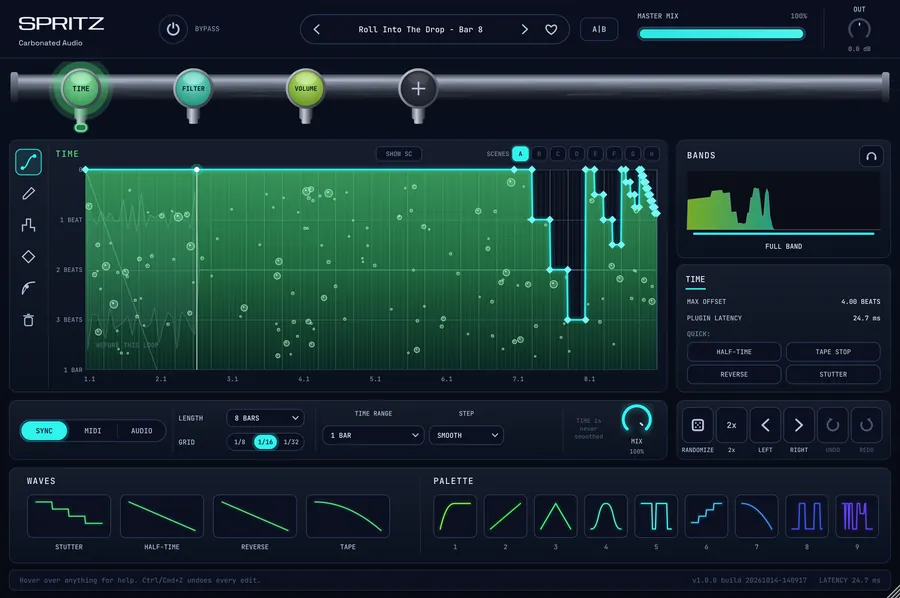 SPRITZDraw the curve. Flip the beat.$49 one-time

 FOAMThe reverb that makes room.$49 one-time

 De-SipperTame harsh S sounds, keep the shine.$20 one-time
 CarbonatorAnalog saturation with five flavors.$20 one-time

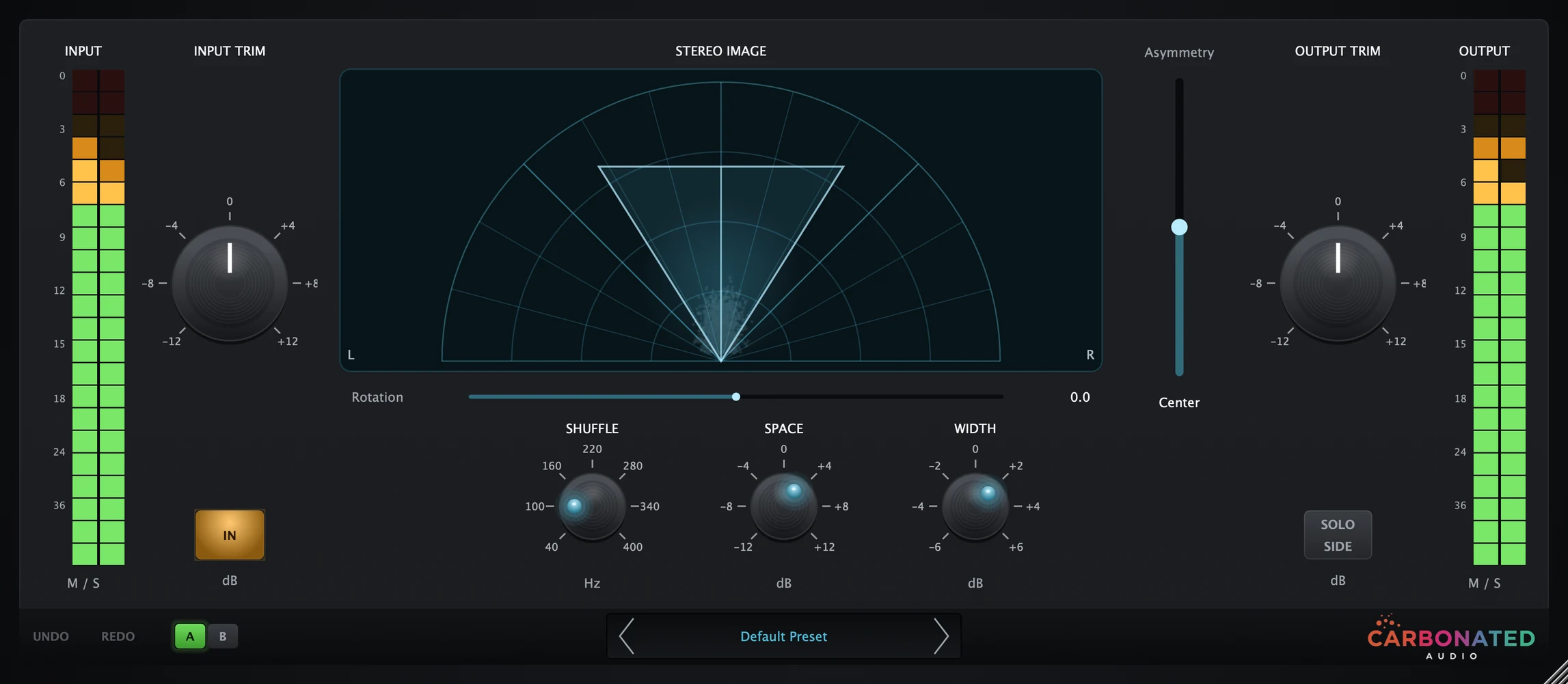 PourMid/side width and movement.$20 one-time

 On TapInstant sidechain ducking. No routing needed.$20 one-time

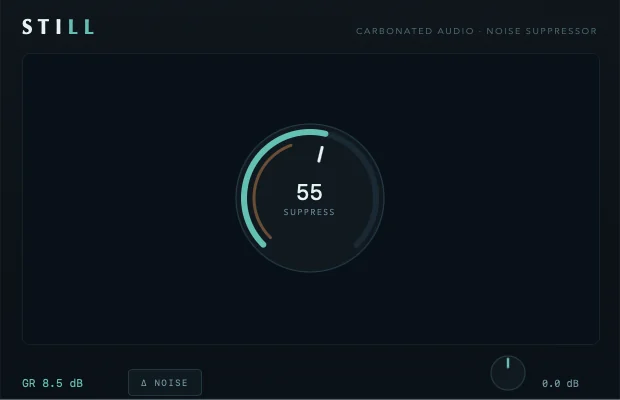 StillFREEOne-dial noise suppressor. Free forever.Free on macOS